THE BEST SMS TOOLS FOR BIG AND SMALL BUSINESSES
Business Texting Software Features
Text Request’s affordable and essential texting-first features move your business forward, without unnecessary bloat.

THE BEST SMS TOOLS FOR BIG AND SMALL BUSINESSES
Business Texting Software Features

Essential & Simple Texting Features
Save time, hit your goals, and make more money.
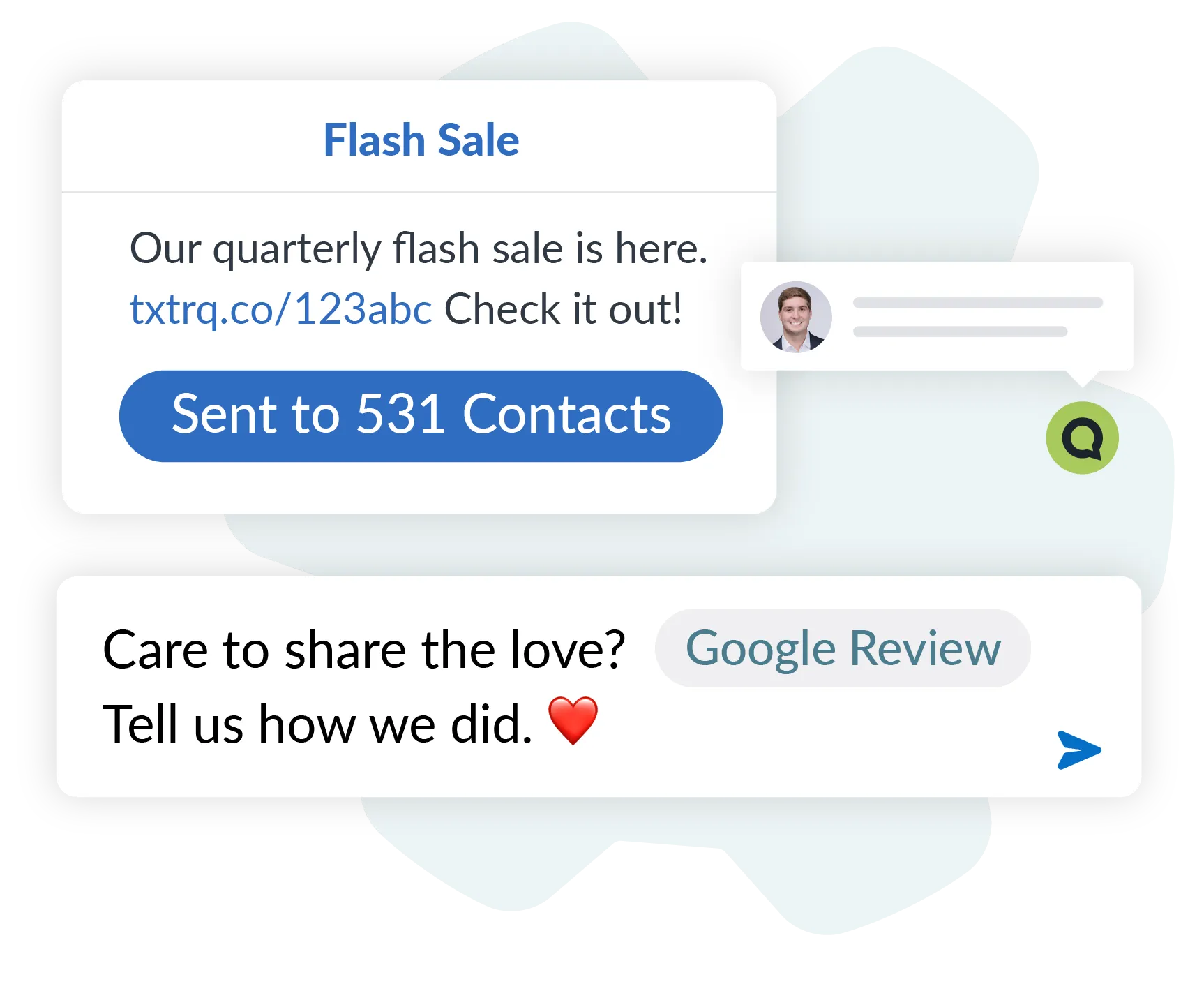
No tech degree required.
Sequences.
Schedule a series of messages around a date important to you and your customers. Streamline your messaging process to ensure customers have the right information, at the right time.SMS Chat.
Spark profitable conversations straight from your website with our live chat widget for texting, and collect contact info to follow-up once they leave your site.Mass Texting.
Choose the best mass texting method for your needs: Peer-to-Peer (ideal for nonprofits and government agencies) or BCC group messaging for instant communication with any of your contacts.Payments.
Request and collect secure payments through SMS, and manage it all in one place. Bring your own payment processor, or use ours.Reviews.
Connect your Google and Facebook business profiles. Request, track, and reply to online reviews, so you can get more reviews and win more customers.API and Integrations.
Connect Text Request to the software you already use. Use one of our out-of-the-box integrations, or create your own with our API and webhooks.Human-First Features
Included in every plan to support your team and make life easier.
White-Glove 10DLC Registration.
We deal with mobile carriers for you, so you can focus on connecting with customers. Once we register your business phone numbers (A2P 10DLC), you can text compliantly and see higher message delivery rates.Unlimited Contacts, Users, and Groups.
No surprise charges or blockers for your team. Text the way you need, without being locked into a set plan. Did we mention no contracts required?Live Onboarding.
If you ever need help, our team of real in-house people is just a text away. Our experts will hold your hand through setup, plus provide resources and help docs to make sure you feel confident as possible with your messaging experience.User Friendly Interface.
No extra bells or whistles. Just the texting-focused features you need to connect with customers. Continue scrolling to see the full list of Text Request’s affordable features.Downloads
Team texting the way you prefer.
Mobile Apps
Text from your business phone number on your smartphone or tablet, so you can stay connected wherever work takes you.
Desktop App
Need to use Text Request without opening a browser? Just use our desktop app for Windows.
Chrome Extension
SMS extension for text messaging from Chrome and other browsers, so you can connect with customers anytime, anywhere.
Features for Management
Manage your communication effortlessly with our intuitive tools.
Landline Texting.
Text from your existing office landline, VOIP, and toll-free phone numbers without affecting voice services. Add multiple lines to one account.Billing and Usage.
Always know where you stand, download invoices, and upgrade or downgrade your account at any time.Contact Stats.
See how engaged each contact is with your messages, even their average response time.Group Management.
Add contacts to different lists (“groups”) for easy segmenting. Manage individually or in bulk.Receptionist.
Ensure customers are directed to a next step whenever they call your text-only phone number, with tools like Call Forwarding and Automated Voice Greeting.Link Sharing.
Share custom links and gain valuable insights with our unique click tracking.Reporting.
Pull and download data so you can deep dive into your messaging, or share reports with others.Import and Export.
Upload and download your contacts and their data at any time, with no limits.Multiple Dashboards.
1 Dashboard = 1 Text Line. Add multiple dashboards to your account. Manage users, contacts, settings, and more across each—all in one convenient place.Permanent Records.
Every text sent or received is permanently recorded, so you can always see who said what to whom and when.SSO & MFA.
Use or require multi-factor authentication (SMS verification) for more secure logins. Or, set up single sign-on for everyone on your account through Microsoft or Google.User Management.
Add users with different permissions levels and see everyone’s interactions across your dashboard.Message Templates.
Need to share regular updates or respond to common questions? Type your message once and save it for all users to send over and over again.Notifications.
Get notifications of new messages so you never miss a beat. Or leave them off to help work-life balance.


Features for Personalization
Personalize every message to build stronger connections.

Texting designed to connect.
Contact Tags.
Use tags to quickly identify contacts as needed, or to enable different employees to “claim” a contact.Location Tracking.
Request location from any contact, and get their exact location—complete with interactive map.Merge Fields.
Personalize your messages with ease by dynamically pulling in individual contact data based on your Custom Fields (more details under Contacts).Message Tags.
Tag individual messages—such as for sales or customer feedback—for easy reporting.MMS Attachments.
Send and receive pictures and PDFs to keep work flowing and create more engaging communications.Signatures.
Create custom signatures for your company and each user, so customers and other contacts always know who they’re talking to.
“
The majority of the onboarding and 10DLC registration process was done for us, and anytime we had questions a Text Request rep was right there to answer them.”
Jason Blanshine, Center Director
Sylvan Learning Lewes